Convo online video interpreters
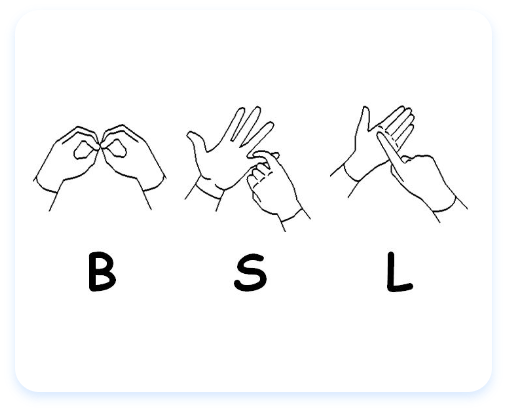
Customers who prefer to use British Sign Language (BSL) can contact us using a Convo video interpreter. This service is available from Monday to Friday between 9am and 7pm, and Saturday 10am until 2pm. It’s free to contact us from your home.
You’ll need a bandwidth of at least 256kbps upload and download (384kbps recommended) to use Convo either through the app or a PC or laptop.
Convo app
To use Convo on a smart phone or tablet you’ll need a device with a front facing camera.
- Convo app for iOS (Apple) - you’ll need iOS 9 or above
- Convo app for Android (opens in a new window) - you’ll need Android 5.0 or above.
You’ll need to create a Convo account to use the app. You can do this online or through the Convo app by clicking ‘need a new account?’ once it’s downloaded. Select your county when you create your account. This will make sure you’ll get details of other organisations in your area and national organisations who you can contact using Convo.
Convo on a PC or laptop
To use Convo on a PC or laptop you’ll need:
- A PC or Mac that runs Windows and has a webcam
- A modern browser such as Google Chrome or Mozilla Firefox. Windows version 8 or 9 can be used but will need a plug in.
To start using Convo on your PC or laptop:
- Go to Convo BSL Live and select ‘connect’.
- Tell the Convo interpreter you are calling the Equality Advisory Support Service (EASS).
- You will be connected to an accessible customer advisor.
If using Convo on a PC or laptop, you’re advised to create a Convo account.
Awards & Recognitions

UK Customer Satisfaction Awards Finalist 2014

Public Sector Outsourced
Project Of The Year
Finalist 2013
 Live Chat